blob: 9511e18265ebe7d7b6b6d2d91f80d985a73f1281 (
plain)
1
2
3
4
5
6
7
8
9
10
11
12
13
14
15
16
17
18
19
20
21
22
23
24
25
26
27
28
29
30
31
32
33
34
35
36
37
38
39
40
41
42
43
44
45
46
47
48
49
50
51
52
53
54
55
56
57
58
59
60
61
62
63
64
65
66
67
68
69
|
# blockgame_linux
A somewhat-completed attempt at writing *that game* from scratch in C++20.
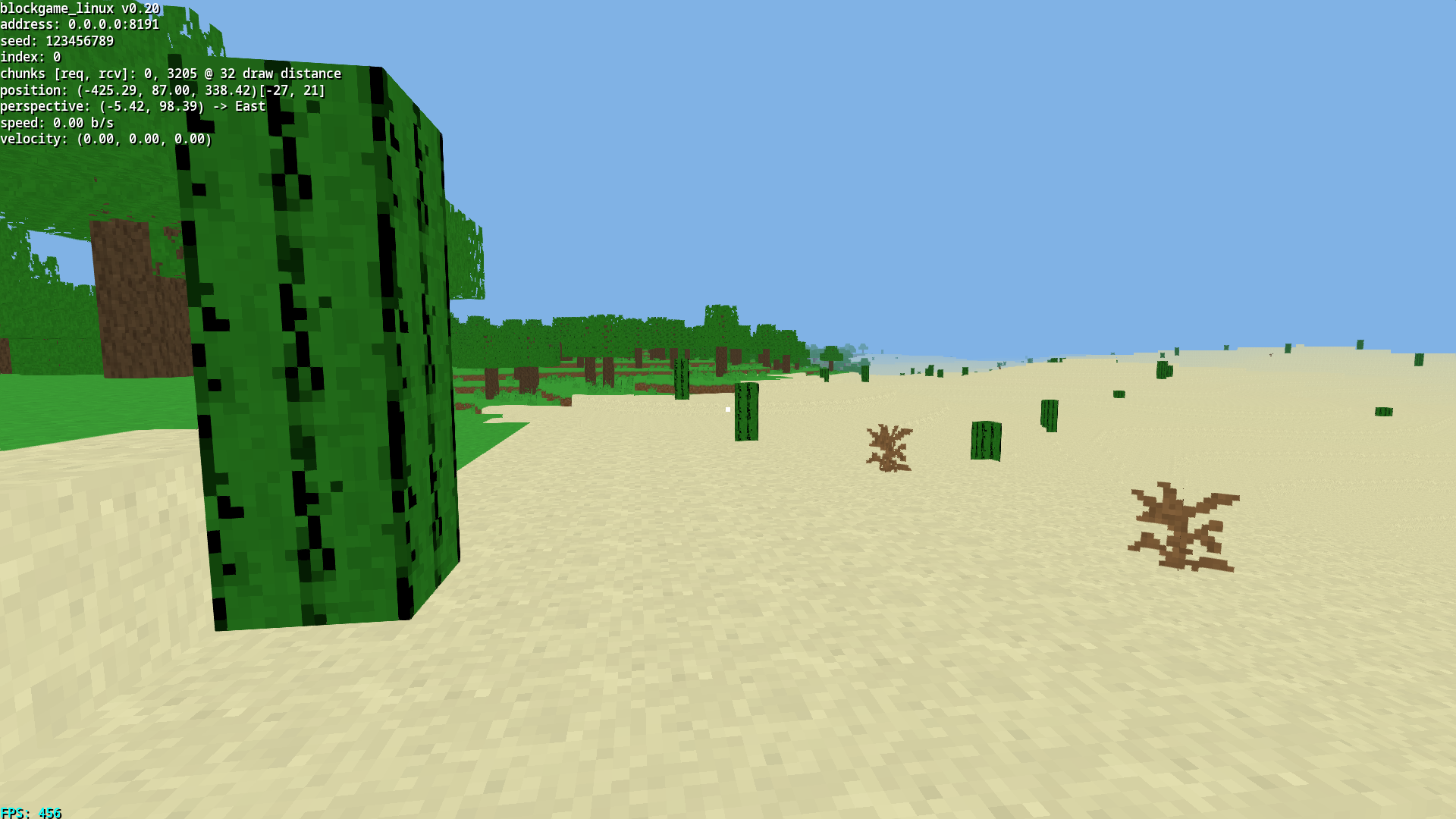
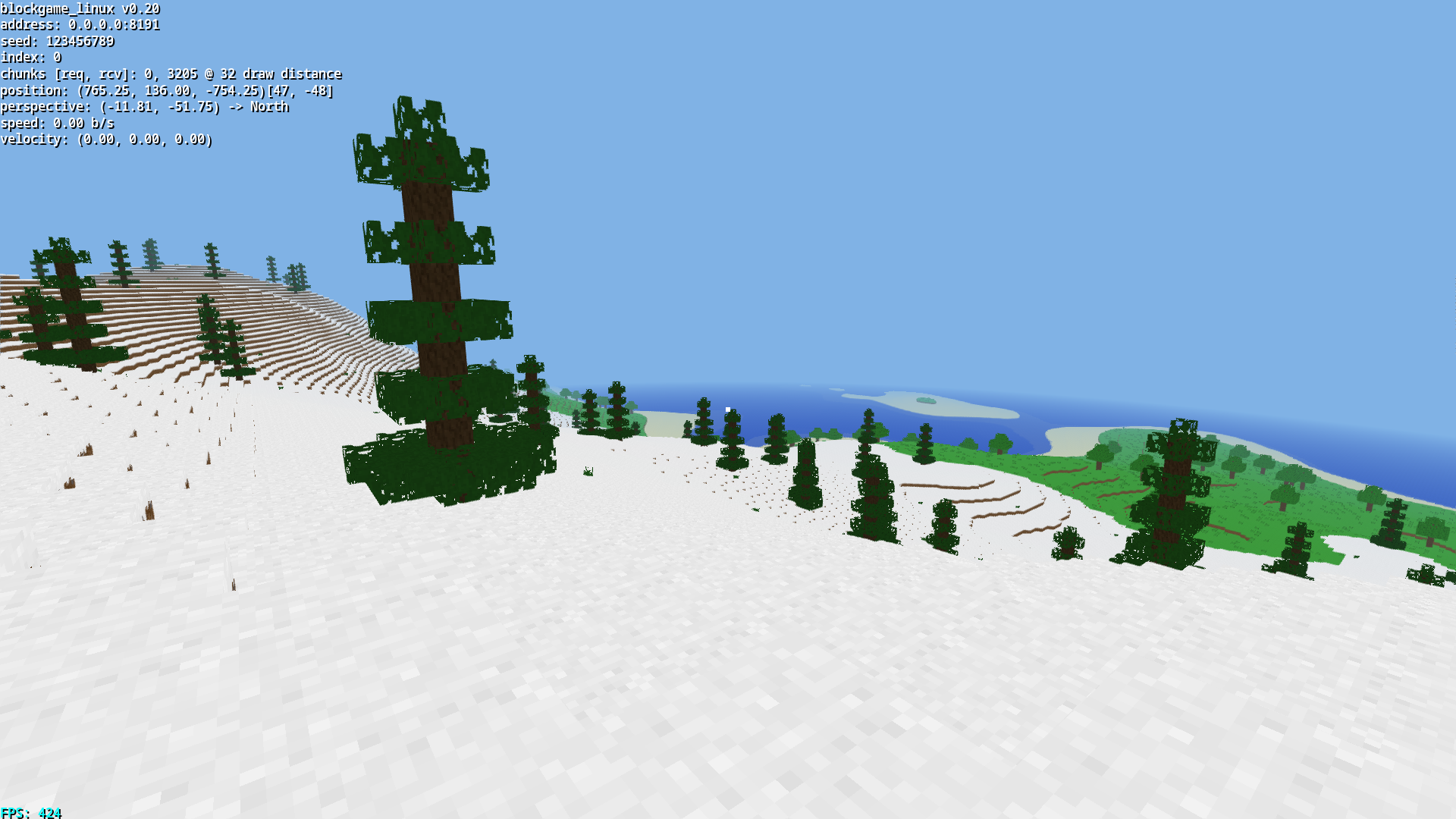
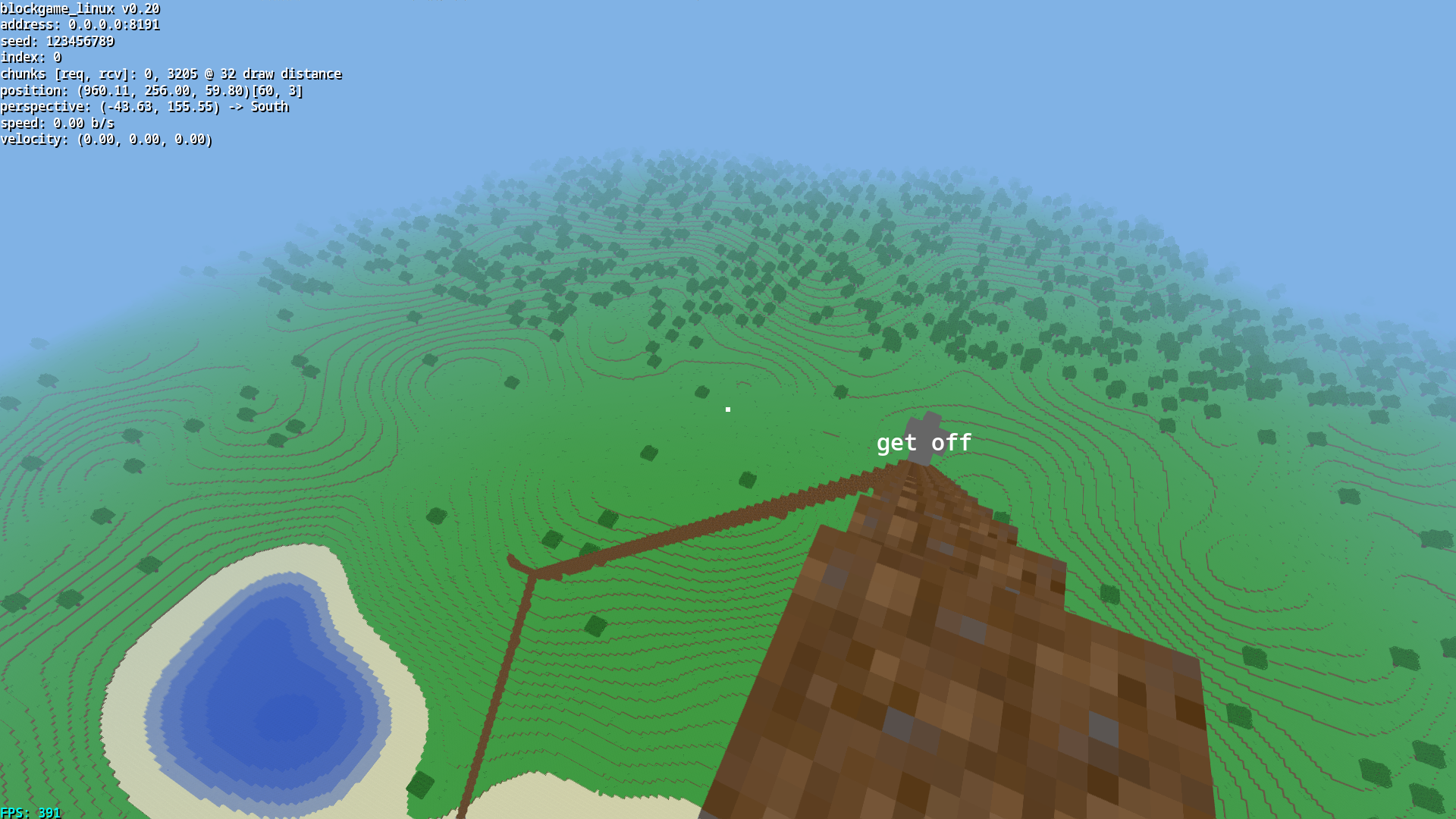
# Features
- High performance OpenGL renderer capable of 64 chunk distance with ease
- Cross platform multiplayer support with a multithreaded scalable server
- Diverse biomes and a virtually infinite world
- Local player area bounded chat system
- Persistent world and player position
- Movement and collision system
- Simple user interface
- Decentralised anonymous authentication, no central authority
# Dependencies
- [CMake](https://cmake.org) : Cmake is a cross platform, open source build system generator.
- [Boost](https://boost.org) : Boost provides free peer-reviewed portable C++ source libraries.
- [sqlite3](https://sqlite.org) : SQLite is a C-language library that implements a SQL database engine.
- [assimp](https://github.com/assimp/assimp) : A library to import and export various 3d-model-formats.
- [SDL2](https://libsdl.org) : A library designed to provide low level access to audio, keyboard, mouse, joystick, and graphics hardware.
- [epoxy](https://github.com/anholt/libepoxy) : Epoxy is a library for handling OpenGL function pointer management for you.
- [freetype](https://freetype.org) : FreeType is a freely available software library to render fonts.
- [protobuf](https://github.com/protocolbuffers/protobuf) : Protocol Buffers (a.k.a., protobuf) are Google's language-neutral, platform-neutral, extensible mechanism for serializing structured data.
# Building from Source
To download the latest available release, clone this repository over github.
```console
$ git clone https://salvestromartin.com:443/nJ3ahxac/blockgame_linux.git
```
Then compile from source via cmake after moving into the blockgame_linux directory.
```console
$ cd ./blockgame_linux
$ cmake ./
$ make
```
# Client Usage
Simply executing the binary will start a background server and connect your client to it.
```console
$ ./blockgame_linux
```
Others may connect, provided they provide your IP address as an address argument.
```console
$ ./blockgame_linux --address <your.ip.address.here>
```
Other arguments can be found with the help argument.
```console
$ ./blockgame_linux --help
```
# Server Usage
A dockerfile has been provided and launching the server may be achieved with the
following helper script:
```console
$ ./run_server.sh
```
We suggest you open the server's port (8191 by default) if necessary.
|
